
YouTube Thumbnail Downloader: Get High-Quality Thumbnails Instantly
Have you ever seen a stunning thumbnail on a video and wished you could save it for inspiration or use it in your blog post? High-quality visuals are the key to high click-through rates. At ToolsHQ, our YouTube Thumbnail Downloader is a 100% reliable utility that lets you extract the original thumbnail image from any video in just a few seconds.
HD Image
1280 x 720SD Image
640 x 480Normal
480 x 360Small
320 x 180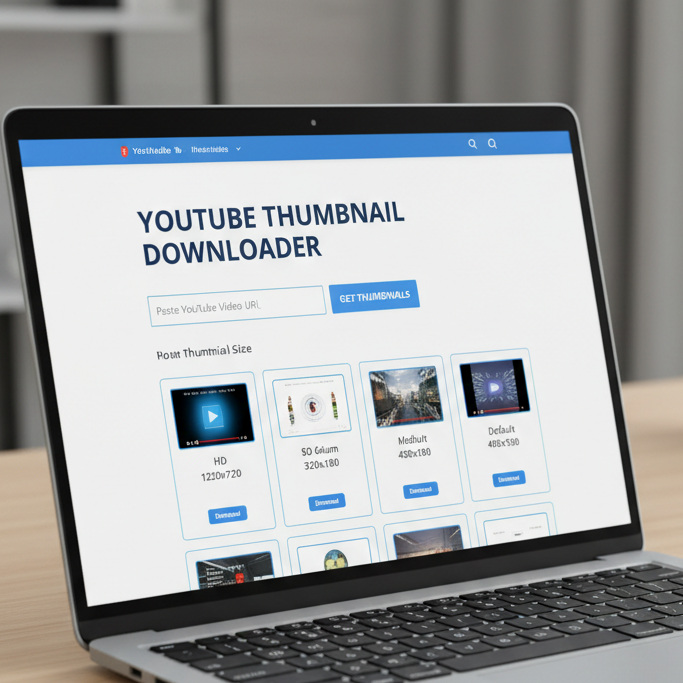
How to Use the YouTube Thumbnail Downloader?
Saving a thumbnail is a seamless process. You don’t need to install any software or extensions. Just follow these simple steps:
- Copy the Video Link: Go to YouTube and copy the URL of the video you want the thumbnail from.
- Paste the URL: Paste the link into the input box on this page.
- Get Thumbnails: Click the “Download Thumbnail” button.
- Choose Quality: Our tool will display different sizes (HD, HQ, SD). Simply click on your preferred quality to save the image to your device.
Alt Text: Digital interface showing different sizes of high-resolution video thumbnails for download 2026
Key Features of ToolsHQ YouTube Thumbnail Downloader
- Multiple Quality Options: Whether you need a 100% High-Definition (1280×720) image or a smaller preview size, we provide all available resolutions.
- Instant Extraction: No waiting in queues. Our tool fetches the data directly from the video source in milliseconds.
- Privacy Focused: Your searches are your own. We do not store the links you paste or the images you download. For more details, see our Privacy Policy.
- Zero Cost: There are no limits or daily caps. You can download as many thumbnails as you want for free.
- Mobile Friendly: The interface is fully responsive, allowing you to save thumbnails directly to your smartphone or tablet while on the go.
Why Do You Need a YouTube Thumbnail Downloader?
Thumbnails are essential for various creative and professional tasks:
- Content Inspiration: Analyze what works for top creators to improve your own design strategy.
- Blog & Article Use: Use the thumbnail (with proper credit) to illustrate your reviews or news articles.
- Social Media Archives: Keep a collection of your favorite visual designs for future reference.
- Presentation Material: Enhance your slide decks or reports with relevant video visuals.
Related Tools for You
Check out our other essential utilities to help with your digital projects:
- Image Compressor: Reduce the file size of your downloaded thumbnails 100% effectively.
- JPG to WebP Converter: Optimize your images for faster web performance.
- Word Counter: Track the length of your video descriptions and blog posts.
Frequently Asked Questions (FAQs)
1. Can I download thumbnails from YouTube Shorts?
Yes! Our tool works perfectly for both standard videos and YouTube Shorts. Simply paste the link, and it will fetch the thumbnail instantly.
2. Is it legal to download YouTube thumbnails?
Downloading thumbnails for personal use, inspiration, or educational purposes is generally fine. However, if you plan to reuse them publicly, make sure you have the creator’s permission or follow fair use guidelines. For more info, check our Disclaimer.
3. What is the highest resolution available?
The highest quality is usually “HD” (1280×720), provided the creator uploaded a high-resolution image. Our tool will always show the maximum quality available.
4. Do I need to create an account?
No. ToolsHQ is a 100% open platform. You can use all our utilities without ever providing your email or personal details.
Found a bug or have a suggestion for a new tool? Feel free to reach out to our team via the Contact Us page